Roger Morph
For a dedicated gamer, the setup is more than just a place to play. It is a command center, a control hub, a portal to other worlds. While most players obsess over refresh rates and processor speeds, the physical space they inhabit is often treated as an afterthought. Yet the principles of architecture and interior design hold the keys to unlocking peak performance, comfort, and immersion. A well-designed gaming room is not an expense; it is an investment in every match you play and every world you explore.
So where do you begin? Not with the latest GPU, but with the fundamental architecture of the room itself.
Beyond the Desk and the Foundations of Space
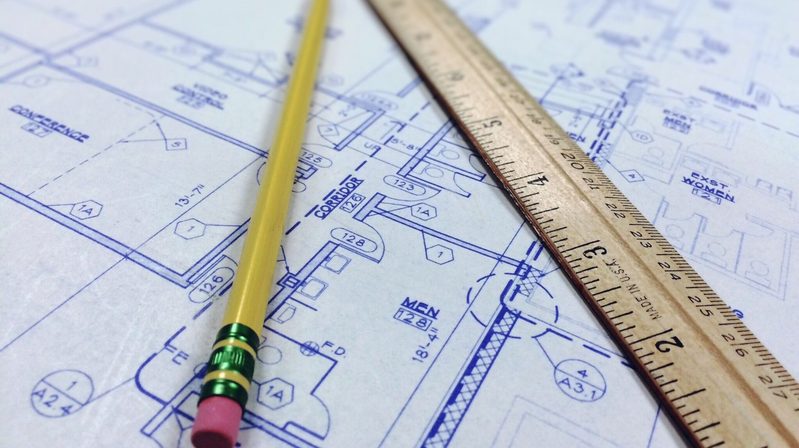
Before a single piece of hardware is placed, a great gaming room starts with a blueprint. Think of your room as a level you need to build for maximum flow. The first step is to consider zoning, namely dividing your space into distinct areas for specific functions: the primary gaming station, a relaxation zone with a comfortable chair or sofa, and dedicated storage for controllers and gear. This prevents clutter and creates a logical, intuitive layout.
Consider the path you take through the room. Can you reach your chair without tripping over cables? Is there enough open space, especially if you plan to incorporate VR gaming? Measure your desk, chair, and any other large furniture, then create a to-scale floor plan. This architectural exercise helps you visualize the layout, identify bottlenecks, and ensure every square foot serves a purpose. That same discipline, applying a structured system to reduce friction and sharpen outcomes, is what separates deliberate players from reactive ones, a principle covered in depth by Blackjack Insight’s mechanics guide.
Mastering Lighting for Your Gaming Room
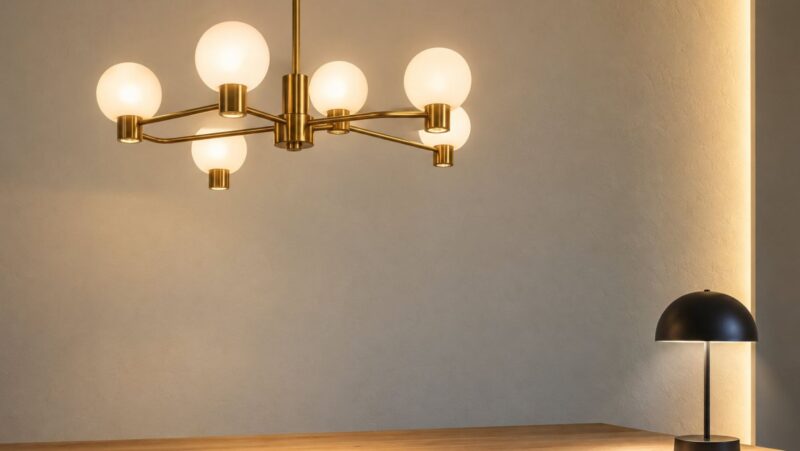
Proper lighting in a gaming room is a delicate balance between function and atmosphere. An architect would never design a building around a single light source, and your gaming space deserves the same layered approach. Three distinct layers, each serving a different purpose, form the foundation of a well-lit setup.
First is ambient lighting: the overall illumination provided by ceiling fixtures or lamps. It should be soft and diffuse to prevent harsh shadows. Dimmable smart bulbs are an excellent choice, allowing you to adjust intensity depending on the session. Second is task lighting, which is focused light for your keyboard, mouse, and desk area. A minimalist LED light bar mounted on top of your monitor can illuminate your peripherals without casting glare on the screen. Finally, there is accent lighting, most commonly in the form of RGB strips. Accent lighting’s most valuable function is bias lighting: placing a soft, neutral light source behind your monitor reduces the stark contrast between a bright screen and a dark room, significantly decreasing eye strain during marathon sessions.
The effect of your environment on focus and decision-making runs deeper than lighting alone. Studies on risk and performance in gaming show that environmental stressors, including poor lighting and uncomfortable setups, directly reduce a player’s capacity to think clearly under pressure.
Engineering Immersion: Acoustics and Sound
Acoustics are often overlooked but are vital for both in-game audio clarity and minimizing sound bleed to adjacent spaces. There are two goals here: preventing sound from escaping and optimizing the sound within the room. For soundproofing, begin by sealing gaps around doors and windows, as these are the primary escape routes for noise.
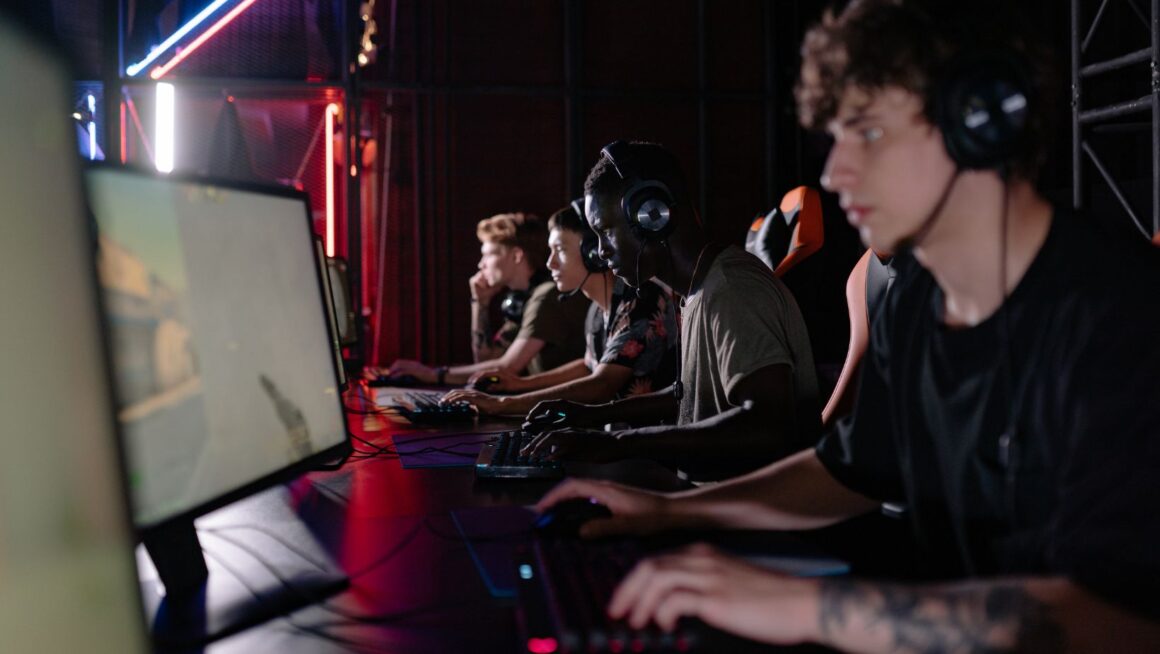
For internal sound quality, the real enemy is reverberation. Hard, flat surfaces such as bare walls and hardwood floors bounce sound waves around, creating a muddy audio experience. The solution is absorption. You do not need to cover your room in professional-grade foam. Simple additions like a thick rug, heavy curtains, a fabric sofa, or even a large canvas print can make a meaningful difference. For those seeking more precise audio, placing acoustic panels at the key reflection points to your left, right, and directly behind you can transform your room’s sound profile, making every footstep and audio cue sharply defined.
Ergonomics as a System for Lasting Endurance
Ergonomics is the architectural design of your immediate workspace. It is about creating a system where your chair, desk, and monitors work in harmony with your body to prevent strain and fatigue. Your chair should support your lumbar spine, and your feet should rest flat on the floor. The ideal desk height allows your arms to rest at a 90-degree angle when typing or using a mouse.
Your monitors should be at eye level, roughly an arm’s length away, to prevent neck strain and hunching forward. While a perfect chair will not guarantee a win, it removes physical distractions and allows you to focus entirely on strategy and execution. The role of structured support in sustained performance extends well beyond hardware. Whether that support takes the form of a well-calibrated workspace or a mentor who builds deliberate habits over time, the underlying principle is the same, as you can read here.
Investing in ergonomics is not vanity. It is a performance decision with compounding returns across every session, every tournament, and every late-night grind. Start with the chair, align the monitors, and build outward from there.
Frequently Asked Questions
What should I prioritize first on a limited budget?
Start with ergonomics and lighting, as these deliver the most noticeable improvements in comfort and health. A supportive chair and a simple bias light behind your monitor address the two most common causes of fatigue during long sessions.
Are acoustic panels necessary for a gaming room?
They are highly effective but not strictly required for every setup. If you have hard floors and bare walls, begin with soft furnishings like a rug and curtains before committing to dedicated acoustic panels.
How do I keep cables from cluttering my setup?
Use adhesive cable clips along the back of your desk and velcro ties to bundle groups of cables together. An under-desk cable management tray is one of the most effective ways to conceal power strips and adapters entirely.
How do I future-proof my room for VR gaming?
Designate a clear central area in your room, free of furniture and obstacles, when planning your layout. Also consider the placement of power outlets and USB ports to accommodate future hardware without running extension cords across the floor.